Overview
You may want to download the documents and installers for the NewNet products (Lithium, D7, Cobalt, and Mercury), or require access to the Download Center because you are unable to do so.
Information
NewNet used to have an FTP site (eftp.newnet.com) to exchange files, traces, and logs with you. However, this site is no longer available. Instead, we have the NewNet Download Center portal. Via this portal, you can access and download documents and installers.
Accessing the NewNet Download Center
You can reach the portal by completing the following steps:
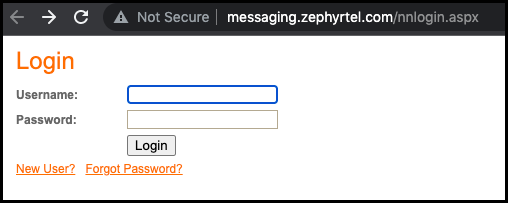
- Open on the NewNet Download Center portal
- If you are a registered user, enter your credentials and click Login.
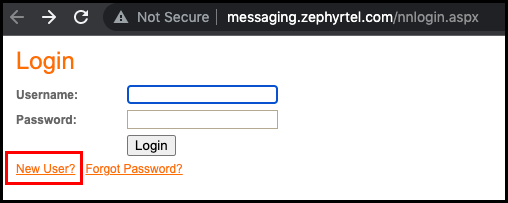
- If you are not registered, you must complete the following steps:
- If you are a registered user, enter your credentials and click Login.
-
-
- and click on New User.
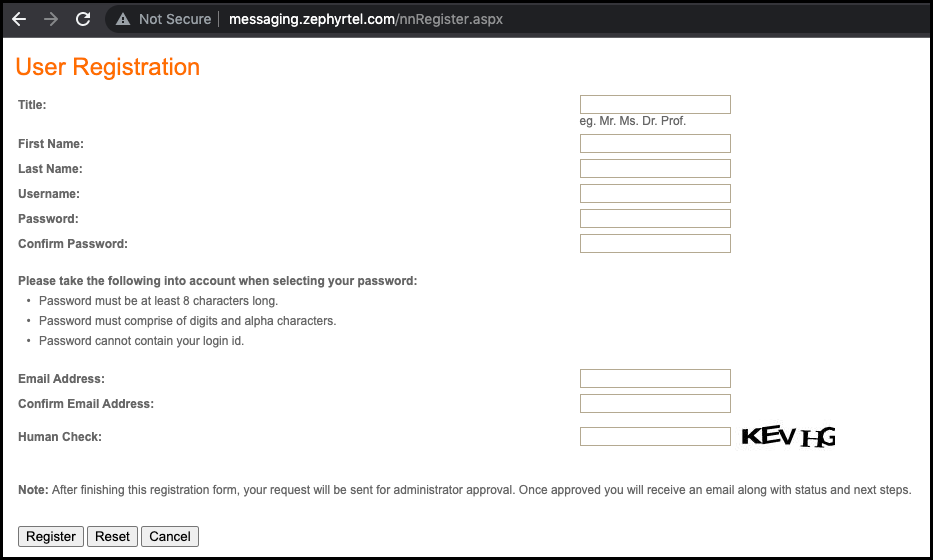
- When the User Registration screen opens, fill all the blanks with your information.
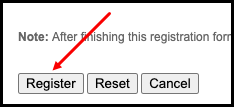
Please note that only corporate email addresses are accepted for registration on the Download Center. - Click on the Register button.
- and click on New User.
-
Next, please raise a support ticket with us mentioning the username and/or email address that you used to register on the portal, and the documentation you need to download from the portal (Lithium, D7, etc). We will activate your account with the correct permissions and inform you.
Priyanka Bhotika
Comments